

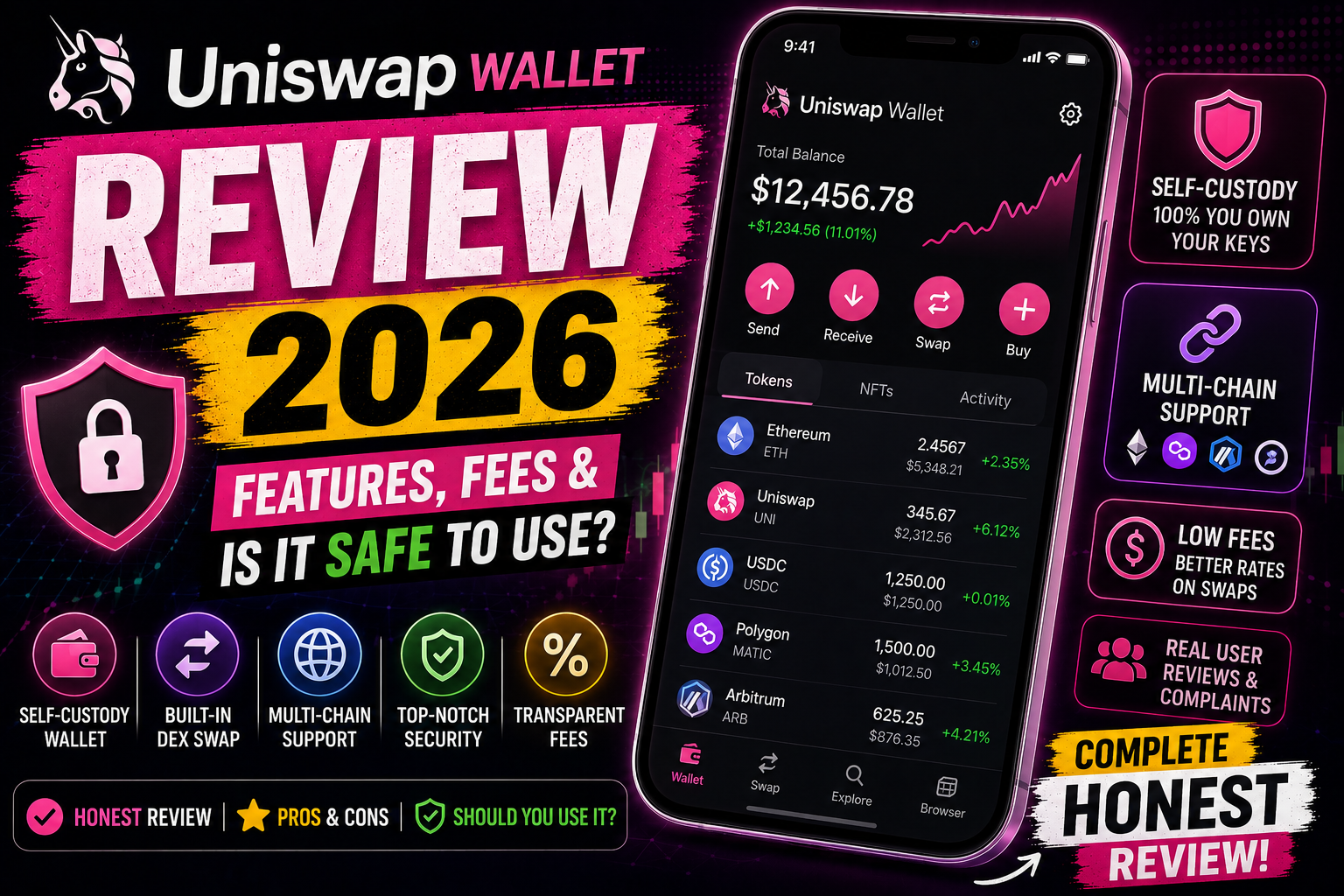
Uniswap Wallet app review 2026 — features, supported chains, security, fees, and real user complaints. Find out if this self-custody crypto wallet is right for you.
The Uniswap Wallet app is among the first ones that springs to mind when looking for a crypto wallet that allows token swapping, NFT collecting, and accessing Web3 apps without surrendering your keys to a third party. Despite being rated at 4.6 stars and having more than 24,000 reviews with some pretty loud complaints hidden within those reviews, is it worth installing?
The Uniswap Wallet app is designed to solve certain problems, support certain blockchains, and be secure to some degree, but it’s not without its flaws. This guide details what the app does, which blockchains it supports, how secure it is, and where it is lacking, so you can decide if it belongs on your phone.
In this article, you’ll learn how to:
- What the Uniswap Wallet app is and who it’s built for
- Including all blockchain networks it supports.
- How the app protects your crypto assets
- Actual fees and actual user grievances.
- The comparison to the other two wallets, MetaMask and Trust wallet.Its performance against the other two wallets namely MetaMask and Trust wallet.
What is Uniswap Wallet App?
Uniswap Wallet app is a self-custody wallet for crypto and NFTs developed by Uniswap Labs, the creators of a highly popular decentralized exchange (DEX), Uniswap. Self-custody’ refers to you (not Uniswap, not a bank) managing access to your cryptocurrencies. No one can freeze your money or even lock you out of your wallet.
The app centres on three key tasks: cross-chain token swaps, a single market for NFT collections, and ability to interact with decentralised applications (dApps) without having to navigate between different tools.
It has been rated for ages 3+ on Google Play, has over 1 million downloads, and is developed by Universal Navigation, Inc, which is registered in New York.
Key Features of the Uniswap Wallet App
Multi-Chain Token Swaps
Contrary to wallets that are tied to a particular network, Uniswap Wallet supports switching tokens between Ethereum, Unichain, Base, BNB Chain, Arbitrum, Polygon, Optimism and other EVM compatible chains, all from the same wallet.
Unified Asset View
You can access all your crypto and NFT investments in a single dashboard across all chains – no need of opening multiple apps.
MEV Protection
In-built MEV (Maximal Extractable Value) protection for swaps is available in the app for Ethereum. Simply put, it can help protect your trades from bots that attempt to front-run your trade and make additional profits at your cost.
Fiat On-Ramp
If you do not already have cryptocurrencies, you can purchase various coins and tokens directly with a credit card or bank account, such as Ethereum (ETH), Wrapped Bitcoin (WBTC) and USD Coin (USDC).
Real-Time Market Data
The app displays the most popular tokens by market cap, price, and volume, as well as live charts and warning labels for risky and suspicious tokens before you trade.
NFT Gallery and Tracking
In addition to swaps, you can also see your collection in a dedicated NFT gallery view, and monitor the floor price and trading volume of collections you follow.
WalletConnect Integration
You’re not confined to what’s already created within Uniswap with WalletConnect, which enables the wallet to be connected with a wide range of onchain apps and games.
Supported Blockchains
Currently, the Uniswap Wallet app can be used for:
| Network | Ticker |
|---|---|
| Ethereum | ETH |
| Avalanche | AVAX |
| Polygon | MATIC |
| Arbitrum | ARB |
| Optimism | OP |
| Base | — |
| BNB Chain | BNB |
| Blast | BLAST |
| Zora | ZORA |
| Celo | CGLD |
| zkSync | ZK |
| World Chain | WLD |
Significant missing piece: Solana does not support. This app isn’t for investors with a hefty Solana portfolio, though — a feature that several people told us was a big turnoff.
Is Uniswap safe?
Uniswap strongest suit is security:
- On-device key storage — Your recovery phrase resides only inside the secure enclave of your gadget, and can’t be transmitted without your consent.
- Encrypted cloud backup – Your recovery phrase can be back up in iCloud in an encrypted format, so you never lose your money.
- Biometric locks – Face ID (or similar) needed to open the wallet and facilitate transactions.
- Third-party audit — The trail of bits is a reputed security firm in the crypto space that has audited the source code.
- Minimal data sharing — The app apparently shares no information with third parties, but it does gather personal and financial data, and secure data during transit.
A self-custody wallet has a good security setup. The more serious problem with any self-custody wallet is not that it is the wallet itself, but that you don’t have a “forgot password” option; losing your recovery phrase is your only problem.
Yes, both at app / protocol level, Uniswap is safe. Usually, it is the interaction of the user with it, not the Uniswap code itself, that poses a larger risk.
Uniswap is a non-custodial platform, meaning that Uniswap Labs does not store your funds, does not create your keys, and does not store your recovery phrase. Regardless of whether you use the web app, mobile wallet or browser extension, you link your own wallet and sign your own transactions – no one at Uniswap can freeze, reverse or access your assets. This is how the protocol is safe by design and is also the responsibility of you.
What is the technical security of Uniswap?
Independent security audits. The Uniswap Wallet’s code underwent the review of Trail of Bits and Uniswap v4 was audited by nine different security firms prior to the launch, which is a significant review process for a DEX upgrade.
Open-source code. The smart contracts as well as the wallet application source code are open-sourced, allowing independent researchers and wallet developers to scrutinize them for weaknesses.
They have a large bug bounty program. Uniswap has even set up a $15.5 million bug bounty pool that encourages white-hat hackers to discover and report any weaknesses in the platform before bad actors can.
No known direct protocol hack. But, unlike some centralized exchanges, Uniswap’s core protocol hasn’t been hacked directly — most of the losses associated with “Uniswap” are one layer removed via phishing sites or malicious approvals, rather than because of a breach in the Uniswap protocol itself.
Where the real risk is: it’s not Uniswap, it’s the front door
This is what most reviews have a tendency to miss – and your readers need to know this information.
During May 2026, a phishing attack took place that used fake Google ads to push a fake Uniswap listing up on the search result page. Individuals who clicked on the ad ended up on a virtually identical version of the Uniswap interface, connected their wallet, and signed what appeared to be a normal approval to swap — but in reality, it was actually an “unlimited approval. After signing, the attacker isn’t required to have the victim’s private key at all, just the approval approval signature was all that was needed to drain the wallet.
The one campaign has resulted in an estimated $400,000 worth of losses, and since March 2026, security researchers at SEAL have estimated that the broader trend of these Google Ads phishing attacks have cost more than $1.27 million.
This is important because it redefines what it means for a searcher to say “is Uniswap safe”. The protocol is not the problem, it is the click on the fake ad and/or fake link!
- A user-friendly Safety Checklist Avoid using a search ad to reach Uniswap. Always use the official URL (uniswap.org / app.uniswap.org), do not follow sponsored links at all.
- Read all sign-up requests. If a wallet prompt is asking for a “batch approval” or unlimited spending permission, but you don’t recognise the contract, cancel.
- Withdraw old approvals from time to time. Etherscan’s Token Approval checker and others can help you view and revoke unnecessary permissions.
- Pay attention to warning labels on a token. Uniswap’s interface warns about suspicious or impersonator tokens, so don’t ignore the warning unless you understand why it’s showing.
- Only listen to official communication channels. Uniswap has not contacted DM users via any social media platforms, particularly Telegram and WhatsApp, first; if any such “support agent” contacts you, they are a scam.
- For large amounts of cryptocurrency, go with a hardware wallet. It provides an extra physical verification step, which isn’t possible in a phishing site.
What users are saying about Uniswap Wallet App Fees.
This is the most frequent issue that users have with the app. It’s one of the more expensive platforms in the market, according to several reviews, due to gas fees, and the fact that fees are not immediately obvious when swapping. In response, Uniswap Labs has directed users to their help center to read up on its explanation of “network costs,” which is described as “payments to the Ethereum network” (which includes gas fees, but not strictly fees of the app itself).
However, for those who care about fees the most, it is advisable to compare the actual swap rate in a particular transaction that you intend to execute before you do so, as gas fees will be different depending on how busy the network is at the moment, regardless of the wallet used.
What people have said about Real Users:
After perusing some recent reviews, you’ll find that there are a handful recurring complaints:
- Input lag – A number of users have commented that the process of inputting transaction amounts is slow, making it easy to make errors.
- Low flexibility in withdrawing — a few of the reviewers have complained of a lack of ability to withdraw money to other wallets or exchanges, such as Coinbase.
- No support for Solana — Multiple times reported as a feature missing for multi-chain holders.
- Lack of token support — Some tokens on certain chains are not yet exchangeable.
That said, to Uniswap Labs’ credit, the developer places a reply in almost every negative review and refers users to support@uniswap.org which is a feature not found in every wallet app.
Uniswap Wallet vs. MetaMask vs. Trust Wallet
| Feature | Uniswap Wallet | MetaMask | Trust Wallet |
|---|---|---|---|
| Self-custody | Yes | Yes | Yes |
| Rating (Google Play) | 4.6 | 4.5 | 4.5 |
| Solana support | No | No | Yes |
| MEV protection | Built-in | Add-on/limited | No |
| NFT gallery | Yes | Basic | Yes |
| Fiat on-ramp | Yes | Yes | Yes |
In terms of cross-chain swap or MEV protection, Uniswap Wallet has an advantage. Trust Wallet is better suited for those who cannot do without Solana support.
Frequently Asked Questions
Is Uniswap Wallet app secure?
Yes, for self-custody wallet. It keeps your recovery phrase in your device’s secure enclave, enables encrypted iCloud backup, locks out access to your device with Face ID for transactions and its code has been independently audited by Trail of Bits. The primary danger of using a self-custodial wallet is that if you lose your recovery phrase and don’t have a backup, you’re unable to recover your funds.
Is Solana supported by Uniswap Wallet app?
No. The app currently has support for Ethereum and EVM compatible chains such as Polygon, Arbitrum, Optimism, Base, BNB Chain and more, but not Solana.
Does Uniswap Wallet have higher fees compared to other wallets?
Some of the user reviews mention the fees are high, but this is largely due to the Ethereum network’s gas fees. If a big exchange is involved, it is better to check the exact amount of fees to be paid as it differs according to network congestion.
Is it possible to use the Uniswap Wallet app without having crypto?
Yes. You can generate a new wallet and acquire cryptocurrencies straight within the app by using a credit card or bank account.
Conclusion
The Uniswap Wallet app does what it says on the tin: provides a secure, self-custody wallet for swapping tokens and handling NFTs on a multitude of EVM chains with real security guarantees such as Trail of Bits audit. The issue is in the specifics – input lag, withdrawal friction, no support for Solana and fee confusion are constant complaints of the user base.
Downloading is recommended for users who are mostly active on Ethereum and its Layer 2 solutions and value built-in MEV defense and a tidied multi-chain perspective. If you’re a Solana enthusiast, you should seek alternative investments.
Ready to try it? Download the Uniswap Wallet app and test swap a small amount of funds before attempting larger transactions.
[…] other blockchain wallets that need a different app for each chain, MetaMask operates as one app for all the major […]
[…] is invariably the foremost question that comes to mind before downloading any crypto application and it’s a proper […]
[…] used as an app and browser extension. The word is non-custodial, meaning no company or even Trust Wallet/Binance can move or access your funds or freeze them since the private key and the recovery phrase is in […]
[…] many exchanges, Kraken is a platform that has not lost any customer crypto to hack since its inception in 2011. […]
[…] flaw that exposed the ability to recover phrases in several extension wallets, including MetaMask and Brave, in 2021 — but before being […]
[…] stars respectively, respectively, from over 11,800 and 569+ Google Play reviewers, and 569+ and 234 Trustpilot reviewers, respectively, paint a fairly different picture of Pionex’s reputation: the rating […]
[…] reviews label this ‘engagement mining’ – rewards are given for using the app and time within it, rather than for providing actual […]